
Everything You Ever Wanted to Know About Trivia Zone!*
*but were afraid to ask
Step 1 - Download
Download TriviaMatic
from your preferred app store:


Step 2 - Log in, or
“Play as Guest”
A) Open the app
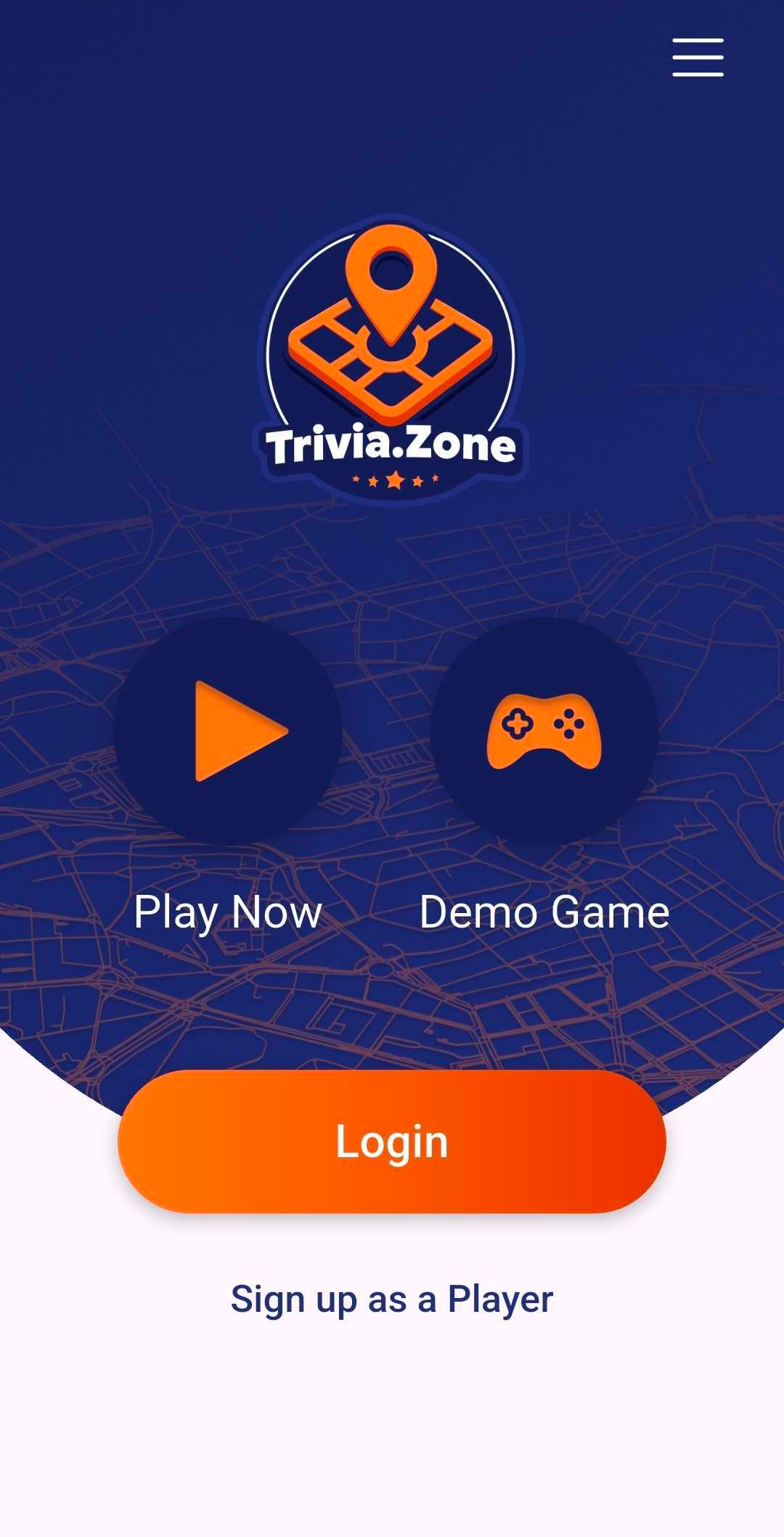
B) Choose either to
Sign in as Guest: “Play Now”
- or -
Sign up as a Player, so you
can later “Login” to your records!
— As a Guest, just click “Play Now”
— If you choose a Player account:
1) Create a Username.
2) Enter your email address
(We will never use this for anything
other than account recovery)
3) Create a Password
4) Confirm Password

Step 3 Join a game
Click the
“ “Play Now” icon
START HERE IF
YOU’VE PLAYED BEFORE
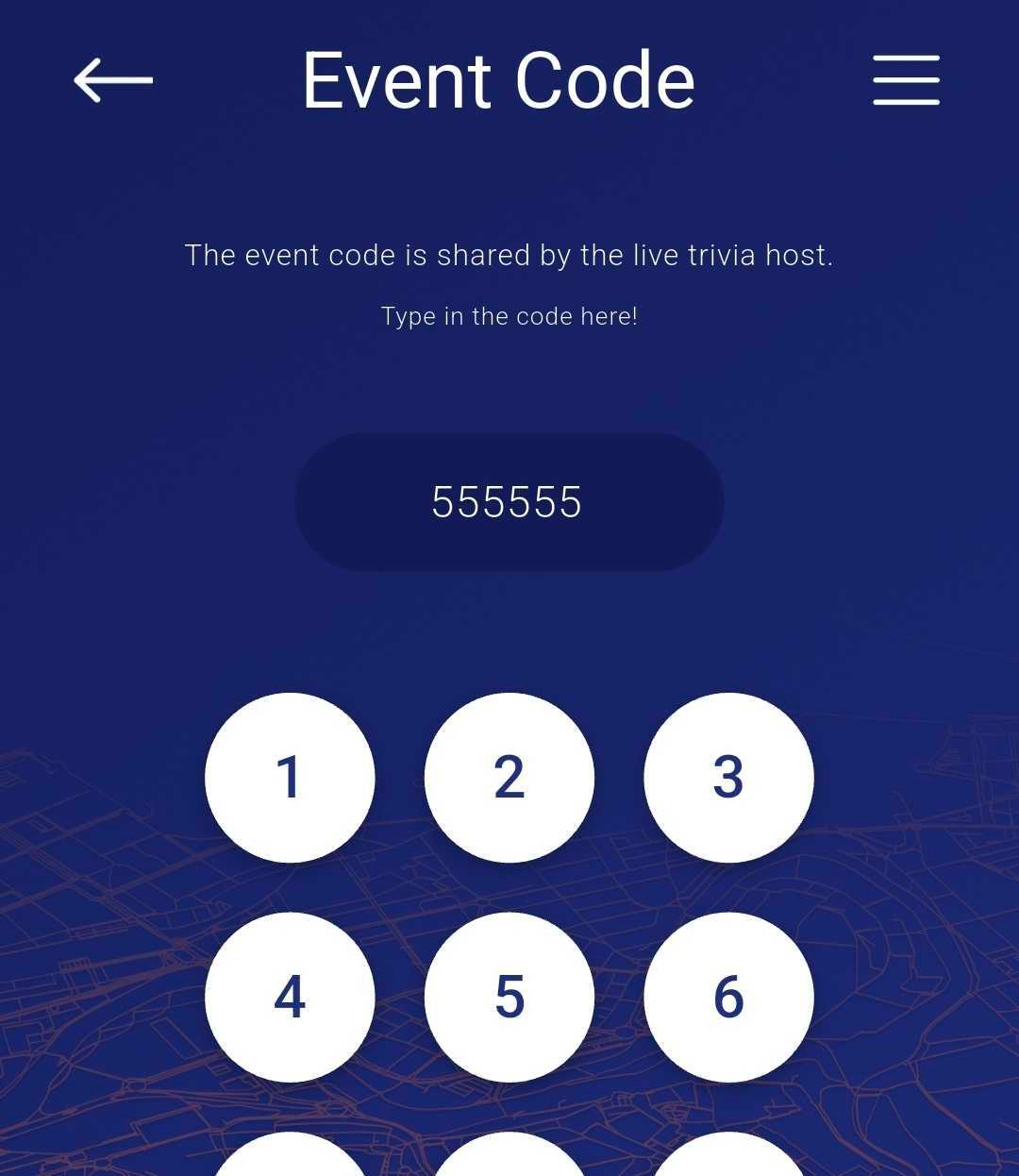
Enter the 6 digit Event Code for the game
(should be posted near host station)
Click “Join”


Step 4 Create a team
Click “+ Create Team” button
Choose Team Name & optional photo
(Note: these will be publicly viewable)
Add player count to your team
and click “Save” button


Please note:
Make sure to keep 1
Player on your team at all times.
If you “Leave Team” and no one is
left to approve you, you will need
to create a new team.
As friends join on their own devices
(phones and pads only),
they apply to “Join” your team.
Wait…
Captain accepts!


Step 5 - Follow the Host’s lead, and have fun!
When you reach this screen, it’s time to get this party started!
